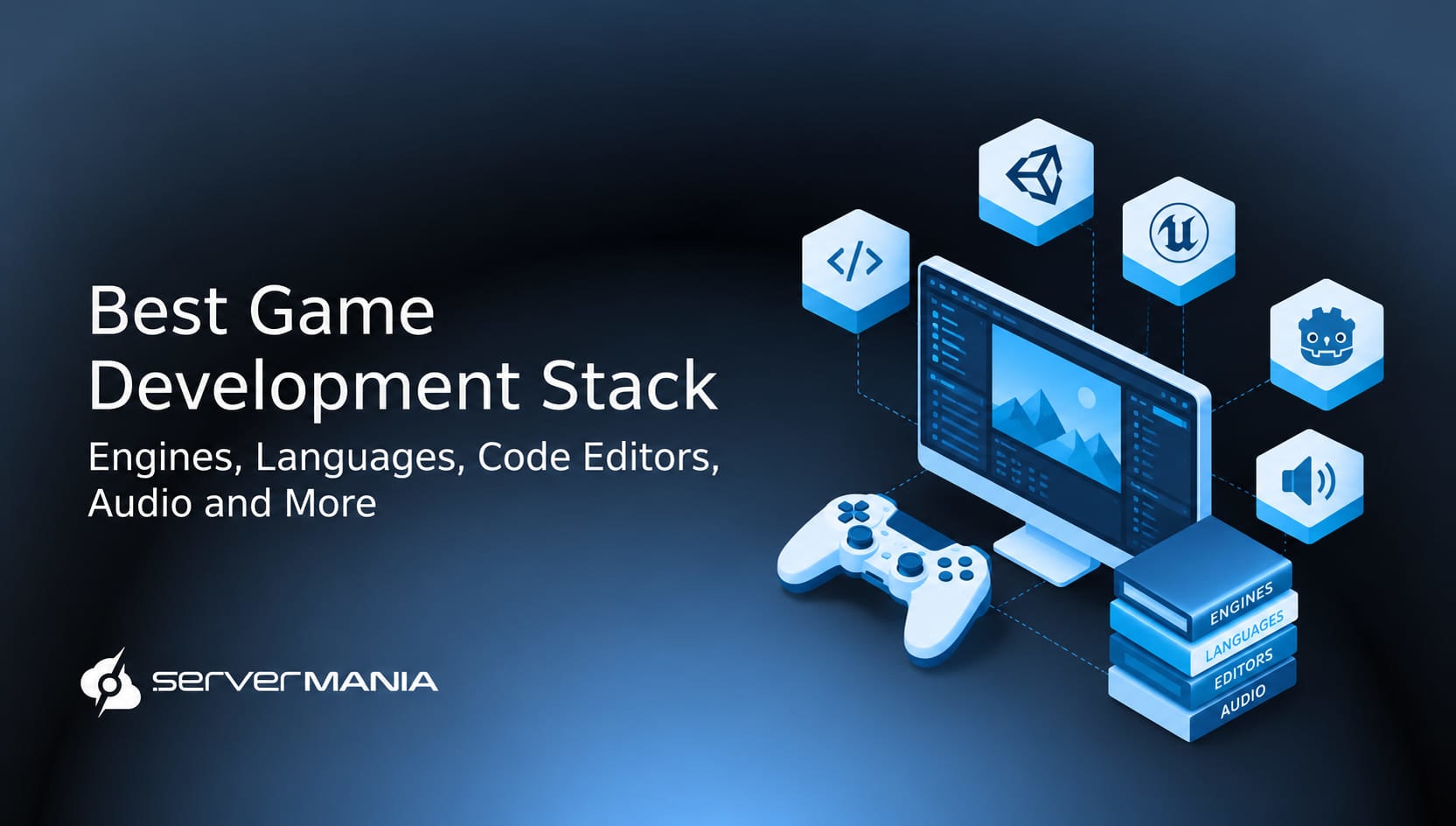
Choosing a game development technology stack determines how efficiently the team builds, tests, and releases a game. The choice of engines, programming languages, development tools, and infrastructure should match your project’s requirements and target platform.
ServerMania provides infrastructure designed to support game development projects at different stages. With our flexible cloud platform (AraCloud) for development, testing, and backend workloads, alongside Dedicated Servers for demanding game and multiplayer workloads, developers get reliable infrastructure to support their technology stack from development through deployment.
To help you choose, this guide walks you through the best game development stack, from game engines to programming languages, code editors, audio tools, and more…
The Essential Game Development Stack
The modern game development technology stack uses a combination of many tools to streamline the game development process. These tools span from early prototyping to testing, release, and ongoing support, debugging, and monitoring. The correct tech stack depends on the game project, team size, target platform, performance requirements, and whether developers plan to build games for desktop, mobile, browser, or multiple platforms.
Game developers typically combine several technologies to create the final player experience. A game engine handles core systems and gameplay, programming languages control game logic, while art, audio, version control, and physical server infrastructure support the wider development process.
Starting with the most important…
Game Development Engines
The game development engine is the foundational framework that developers use to create a game. This handles everything like graphics, physics, animations, audio, input, and platform integration. This means that the engine that has been selected very early in the development process determines how all of this will fit together and how the game project will work out.
Here are some of the core and most popular game engines:
- Unity: A widely used game engine for creating 2D and 3D games across desktop, console, web, and mobile platforms.
- Unreal Engine: A powerful 3D game engine known for high-quality graphics, C++ development, and advanced performance features.
- Godot: A free, open-source game engine designed for 2D and 3D games with a lightweight and accessible development workflow.
- CryEngine: A 3D game engine focused on detailed graphics, realistic environments, physics, and real-time rendering.
- GameMaker: A game engine focused on 2D development, offering tools for prototyping, scripting, level design, and rapid game creation.
- Construct: A browser-based game engine designed for 2D games, with visual development tools and support for web deployment.
- Amazon Lumberyard: A game engine based on CryEngine technology, designed for games with cloud services and online multiplayer features.
Those are the most popular engines on the market. They cover different development needs, from small 2D projects and prototypes to large 3D games and online experiences. The right choice depends on the team’s knowledge, project requirements, target devices, resources, and the desired player experience.
Note: Physics engines simulate gravity and object collisions in games, while graphics APIs such as OpenGL and DirectX improve rendering performance.
Programming Languages
The programming languages are a critical part of the game development stack.
They control gameplay logic, graphics, networking, automation, and other core systems within a game. The right language often depends on the previously chosen game development engine, target platform, project requirements, and the team’s programming knowledge.
Let’s go through the most popular:
- C++: A high-performance language widely used for complex 3D games, game engines, multiplayer systems, and performance-critical features.
- C#: A popular language for Unity development, used to build gameplay mechanics, interfaces, systems, and features across multiple platforms.
- GDScript: Godot’s dedicated scripting language, designed for accessible game development, rapid prototyping, and gameplay programming.
- Java: A general-purpose language used for some games and Android development, supported by a mature ecosystem and large developer community.
- Python: A versatile language often used for automation, testing, analytics, asset processing, and supporting game development workflows.
- JavaScript: A common choice for browser-based games, web applications, and projects designed to run directly through web technologies.
- Lua: A lightweight scripting language used by some game engines and games for gameplay logic, configuration, and custom scripting.
Did You Know❓
Most multiplayer technologies require stable synchronization and low-latency communication to keep gameplay responsive and consistent for all players. WebSocket API enables real-time data transmission for multiplayer games, while the WebRTC API allows audio and video communication between players.
See Also: A Game Developer’s Guide to Dedicated GPU Servers
Code Editors and IDEs
The code editors are another critical piece of the game development stack. They provide programmers with the tools they need to write, test, and debug as they’re organizing the game’s code. They are a link between the game engine, version control, and backend services. So, the correct editor depends on the programming language, computer, target platform, and type of game.
Here are some of the most popular code editors and IDEs:
- Visual Studio: An IDE for C++ and C# development, which is primarily used with the most popular engines on the market (Unity and Unreal Engine).
- JetBrains Rider: This is a cross-platform IDE that is focused on C# development and offers very strong Unity integration for debugging and testing.
- Visual Studio Code: This one is a very lightweight code editor that provides extensions for many programming languages.
- Xcode: Xcode is Apple’s development environment for creating games and applications for Apple devices, with tools for testing, debugging, and platform-specific development.
- CLion: A C and C++ IDE designed for developers working on performance-focused game systems and projects targeting computer platforms.
- Eclipse: An open-source IDE with support for Java and other languages, making it useful for specific projects with a history of Java-based development.
- Sublime Text: A lightweight editor with fast performance and customization options for developers working on scripts, configuration files, and smaller game projects.
The thing with code editors is that they support various different projects, technologies and platforms in the development process. Each of them offers distinct features such as testing, automation, integration, and backend support to assist developers build, desctop and mobile games.
Note: The modern .NET platform supports more than 25 platforms, giving developers flexibility when building applications and game-related services for different devices and environments.
Art & 3D Modeling Software
Another critical part of game development, and a very important piece of software for game developers, is art and 3D modeling programs. Through this software, game developers can create characters, tweak the way the look, form entire environments, textures, and objects for the game world. These tools easily turn early concepts into finished assets that developers import into the game engine.
Here are some of the most used and well-known art and 3D modeling software:
- Blender: A free, open-source 3D suite for modeling, animation, texturing, rendering, and game asset creation.
- Autodesk Maya: A professional 3D application widely used for character modeling, animation, rigging, and detailed environments.
- 3ds Max: A 3D modeling and animation tool used to create environments, objects, characters, and other game assets.
- ZBrush: A digital sculpting application designed for creating highly detailed characters, creatures, and 3D models.
- Adobe Photoshop: A popular image editing tool used for textures, concept art, interfaces, and other 2D game assets.
- Substance 3D Painter: A texturing tool used to add detailed materials, surfaces, and visual effects to 3D game assets.
What’s interesting about these tools is that each of them is used in a different stage in the development process. Some of them are ideal for early prototyping, while others are the best choice for the game’s visual style, coming much later in the game’s development.
Audio Development Tools
Another layer in the game’s development is the audio tools. Game developers create, edit, and establish music, dialogue, sound effects, and interactive audio. They help teams control playback and connect audio events with gameplay systems. The best audio software is, of course, strictly dependent on exactly what’s needed. Here are some examples to name a few:
- FMOD: An interactive audio engine used to create dynamic music, sound effects, dialogue, and in-game audio systems.
- Audiokinetic Wwise: A professional audio engine designed for interactive music, sound effects, dialogue, and complex game audio.
- Audacity: A free audio editor for recording, editing, cleaning, and preparing sound files for game projects.
- Pro Tools: A professional digital audio workstation used for recording, editing, mixing, and producing game audio.
- Adobe Audition: An audio editing and mixing tool used to record, clean, modify, and prepare sound assets.
- REAPER: A flexible digital audio workstation used for recording, editing, mixing, and creating sound for games.
Did You Know❓
Some game audio tools such as FMOD and Wwise let sound designers change audio in real time based on gameplay events. For example, music, sound effects, and environmental audio automatically change as the player enters a new area or the game state changes.
Project and Version Control
Project and version control tools help devs organize files, track changes, and collaborate throughout game development. Version control systems track changes and prevent data loss during development. Also, version control allows multiple developers to collaborate on a game project.
They are especially important for larger teams, where programmers, artists, and designers work on the same game project. Here are some of the most popular control tools:
- Git: A distributed version control system used to track code changes, manage branches, and collaborate across development teams.
- GitHub: A hosting platform for Git repositories that adds collaboration, code reviews, issue tracking, and development automation.
- GitLab: A development platform combining Git repositories with project management, CI/CD, testing, and deployment tools.
- Perforce: A version control platform designed for large development teams managing source code and large game assets.
- Plastic SCM: A version control system designed for game development, with support for large files, branching, and distributed teams.
- Jira: A project management platform used to organize development tasks, track bugs, manage workflows, and coordinate team members.
See Also: The Best DevOps Tools
Database, Testing & Debugging
The database tools are very useful when developers need to manage game data, also allowing them to identify technical issues and improve performance before release. These tools are especially useful for multiplayer game development, as well as for any other projects with online users and backend systems.
Some of the most popular choices include:
- MySQL: A relational database used to store player accounts, inventories, statistics, and other structured game data.
- MongoDB: A flexible database suited to player profiles, analytics, and game systems with changing data requirements.
- Unity Profiler: A performance analysis tool that helps developers identify CPU, GPU, memory, and rendering issues.
These tools help developers find problems, test how players play, and make sure game systems work as expected before release. They also help various companies meet performance goals, manage data, and develop reliable services for platforms such as Steam, Google, and a game’s website or site.
Best Game Development Stack by Project Type
The best game development stack depends on developers’ skills, preferences, budget, and the type of game they plan to create. However, based on numerous examples and community comments, we have managed to create this table that highlights the most popular stack choices (per type) among developers.
| Game Type: | Engine: | Language: | Art & 3D: | Audio: | Infrastructure: |
|---|---|---|---|---|---|
| Indie 2D Game | Godot | GDScript | Blender | Audacity | Cloud Server |
| Indie 3D Game | Unity | C# | Blender | FMOD | Cloud Server |
| AAA 3D Game | Unreal Engine | C++ | Maya / ZBrush | Wwise | Dedicated Servers |
| Multiplayer Game | Unreal or Unity | C++ / C# | Blender / Maya | Wwise / FMOD | Dedicated Servers |
| Mobile Game | Unity | C# | Blender | FMOD | Cloud Infrastructure |
| Open-World Game | Unreal Engine | C++ | Maya / ZBrush | Wwise | Dedicated Servers |
| Browser Game | Godot or Construct | GDScript / JavaScript | Blender | Audacity | Cloud Servers |
| Cross-Platform Game | Unreal or Unity | C# / C++ | Blender / Maya | FMOD / Wwise | Cloud Infrastructure |
| VR Game | Unreal or Unity | C++ / C# | Blender / Maya | Wwise / FMOD | Cloud Infrastructure |
| AR Game | Unity | C# | Blender | FMOD | Cloud Infrastructure |
| Strategy Game | Unity or Godot | C# / GDScript | Blender | FMOD | Cloud Server |
| RPG | Unreal or Unity | C++ / C# | Maya / Blender | Wwise / FMOD | Dedicated Servers |
| Simulation Game | Unreal Engine | C++ | Blender / Maya | Wwise | Dedicated Servers |
| Web-Based Multiplayer | Unity or Godot | C# / GDScript | Blender | FMOD | Cloud Servers |
The right stack should match your team’s skills, budget, and project goals, which is a precise sign of what your team requires. Use the table as a starting point, then talk with the developers to get some reference answers, consider money, and choose the technologies that make the most sense for you.
Game Development Infrastructure at ServerMania
ServerMania offers infrastructure for virtually any game development stack, with Dedicated Servers for demanding workloads and a cloud platform (AraCloud) for flexible development, testing, backend, and multiplayer. While our cloud services manage player data and game states efficiently and adapt to the player’s demand and operational growth, our bare metal servers are ready for performance workloads.
In addition, ServerMania offers global reach through our Canadian, North American, and European top-tier data centers. We guarantee 99.99% network uptime SLAs.
If you have questions, get in touch with our 24/7 customer service or book a free consultation to speak about your game development project with an expert.
💬We’re available right now!
Was this page helpful?
About the author