
Windows Dedicated Servers
Run Windows Server on powerful dedicated hardware built for enterprise applications, virtualization, databases, and business workloads.
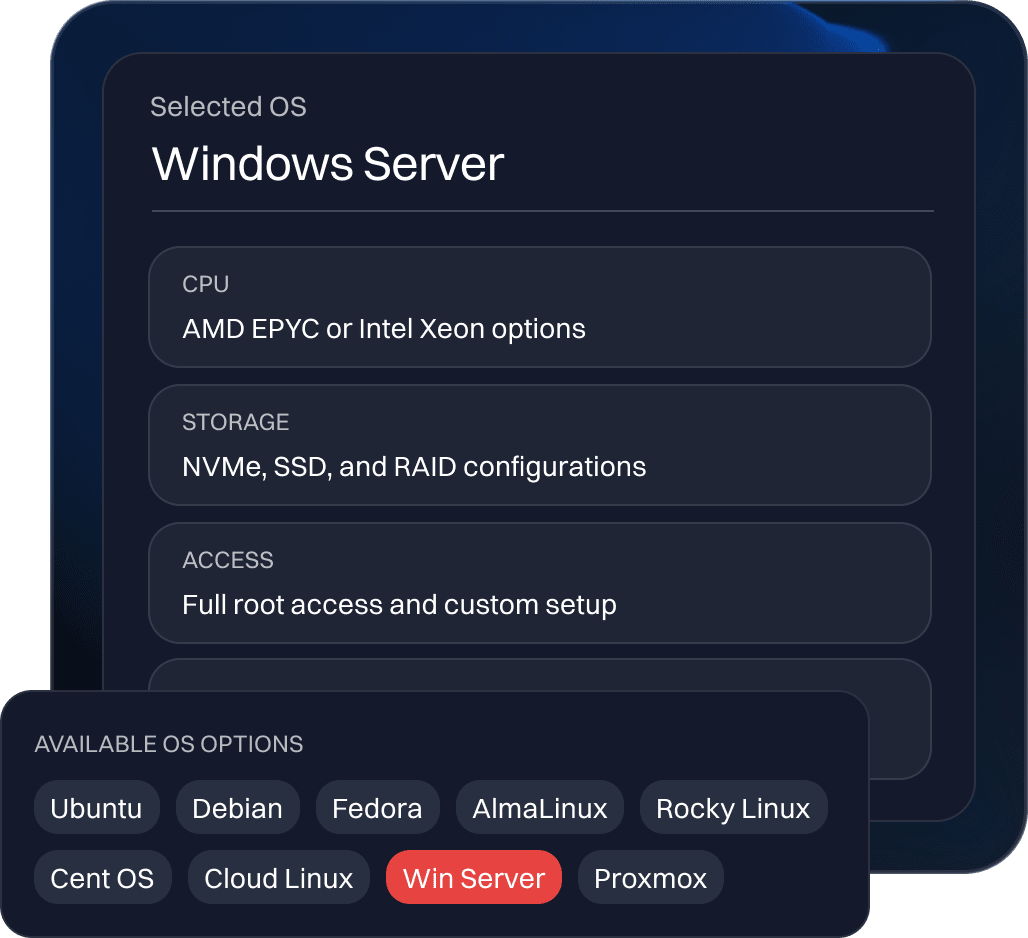
Run Windows Server on powerful dedicated hardware built for enterprise applications, virtualization, databases, and business workloads.
Windows Server provides a reliable operating environment for businesses running Microsoft applications,
databases, virtualization platforms, and enterprise infrastructure. With built-in technologies such as
Hyper-V, Active Directory, and Remote Desktop Services, it supports a wide range of business workloads
and administration needs.
ServerMania offers Windows Server 2016, 2019, 2022, and 2025 in both Standard and Datacenter editions to
match infrastructure requirements.
Run Windows Server on single-tenant dedicated hardware with predictable resources, full administrative control, and flexible configurations for your business applications.
Configure a Windows serverWindows Server supports Microsoft technologies, including Active Directory, IIS, SQL Server, and .NET applications for business and enterprise environments.
Run Windows Server on dedicated hardware with CPU, memory, storage, and network resources reserved exclusively for your workloads.
Use Hyper-V to create and manage virtual machines, consolidate workloads, and build flexible server environments. Datacenter edition provides expanded virtualization rights.
Choose Windows Server 2016, 2019, 2022, or 2025 in Standard or Datacenter editions to match your application, licensing, and virtualization requirements.
Windows Server is designed for businesses that rely on Microsoft technologies, enterprise applications, and centralized IT infrastructure. Its integration with Microsoft, virtualization capabilities, and administration tools make it suitable for a wide range of workloads.
Windows Server supports business applications built with .NET, ASP.NET, and other Microsoft technologies, providing a familiar environment for application deployment and management.
Active Directory Domain Services helps IT teams centralize user authentication, access permissions, and resource management across Windows-based networks.
Windows Server provides a platform for Microsoft SQL Server and other database applications, supporting business systems that depend on structured data and reliable database access.
Hyper-V allows administrators to create and manage virtual machines on dedicated hardware, consolidate workloads, and build flexible virtual infrastructure.
Internet Information Services (IIS) supports websites and web applications built with ASP.NET and other Windows-compatible technologies.
Choose Windows Server 2016, 2019, 2022, or 2025 in Standard or Datacenter editions to match your licensing, virtualization, and infrastructure requirements.
Here at ServerMania, we offer Windows Server 2016, 2019, 2022, and 2025 in both Standard and Datacenter editions. For new deployments, we recommend evaluating Windows Server 2025 or 2022 based on your software requirements, support lifecycle, and infrastructure needs to match your specific needs.
Chat with an expert| Operating system | Standard | Datacenter |
|---|---|---|
| Windows Server 2016 | Small businesses, physical servers, and lightly virtualized workloads | Highly virtualized environments and enterprise data centers |
| Windows Server 2019 | Business applications, file servers, and limited virtualization | Highly virtualized environments and enterprise data centers |
| Windows Server 2022 | Production applications, hybrid cloud environments, and virtualization | Large-scale virtualization, software-defined storage, and networking |
| Windows Server 2025 | Modern business apps, physical servers, and smaller virtualization environments | High-density virtualization, private cloud, and advanced data center infrastructure |
Choose the hardware profile, network capacity, storage layout, and management level your workload requires.

ServerMania supports current Linux distributions, Windows Server options, and select older versions for compatibility or migration requirements.
Get the flexibility of Windows Server with the performance of dedicated hardware. Choose your preferred Windows Server version and edition, then configure CPU, RAM, storage, and bandwidth around your business requirements.
