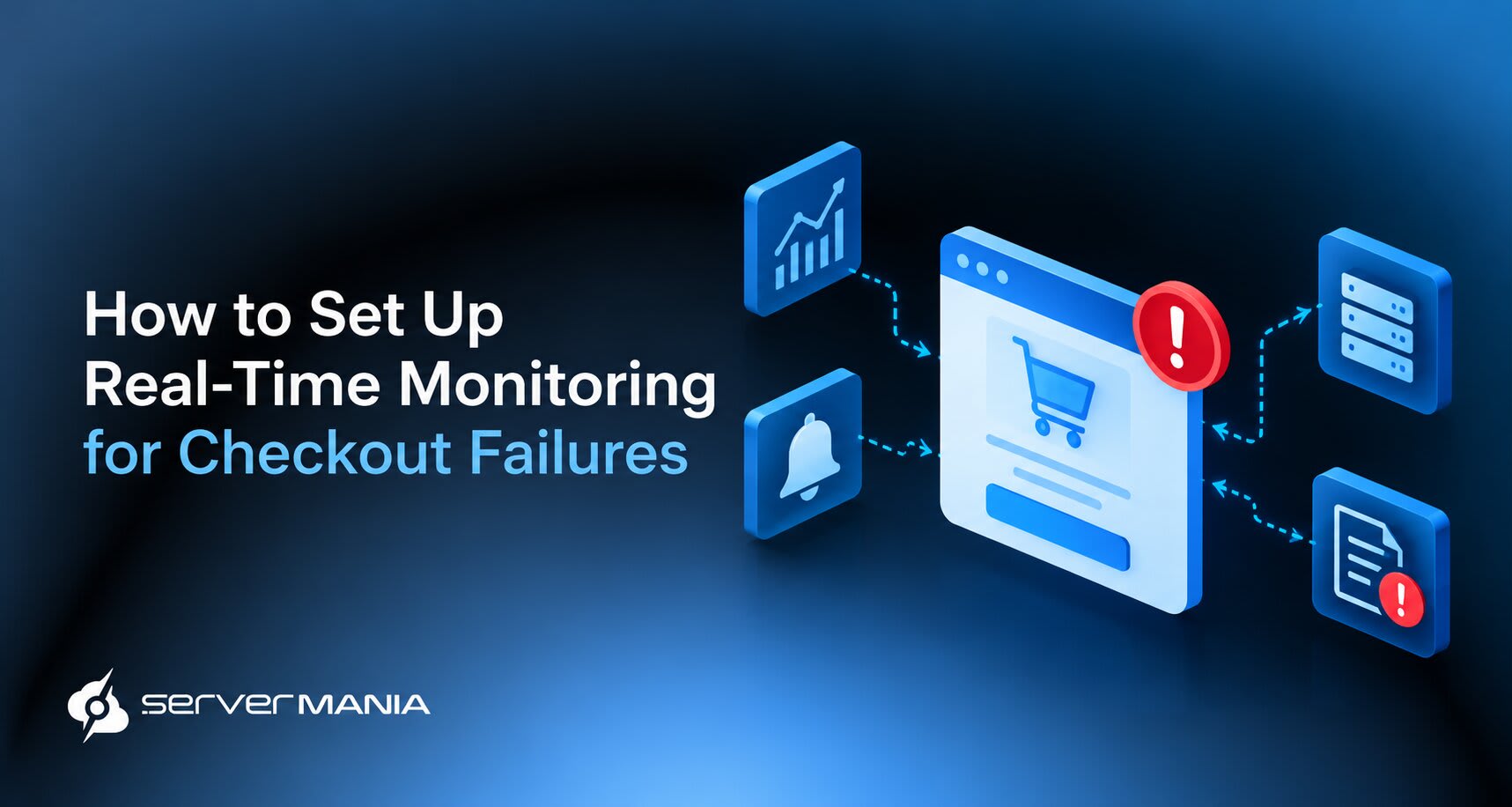
Checkout failures can cost eCommerce businesses sales, damage customer trust, and disrupt order processing. Checkout failure monitoring helps store owners, developers, and IT teams detect payment errors, identify server issues, and restore checkout functionality quickly.
ServerMania provides reliable hosting solutions for eCommerce workloads, with fast deployment options and dedicated infrastructure designed to support consistent performance. The right hosting environment helps reduce infrastructure-related disruptions and keeps your online store responsive during high traffic.
This guide explains how to set up real-time checkout monitoring, track failed transactions, configure alerts, and diagnose payment, gateway, server, and shipping errors.
Why Checkout Failure Monitoring Matters
Silent payment failures often lead to involuntary customer churn. Around 70% of online shopping carts are abandoned due to technical bugs. According to a recent GetBloodHound Report, a 5% error rate can lead to £146,000 annual revenue loss. On average, ~26 users abandon purchases for every reported checkout issue. That’s why real-time alerts are essential for catching and resolving payment failures.
Beyond lost sales, checkout failures also make it harder to identify weaknesses in your infrastructure. Monitoring payment requests, API response times, and server errors helps you distinguish isolated customer issues from recurring technical problems. With real-time visibility, your team can prioritize incidents based on their impact on conversions and restore a reliable checkout experience before more customers abandon their purchases.

Payment Workflow
A payment journey can involve eight or more services.
A typical eCommerce payment workflow starts when a customer proceeds to the checkout page, enters their details, and selects a payment method. The payment gateway sends the transaction to the payment processor for authorization and processing. Payment gateway timeouts can cause transaction failures.
Once approved, the store confirms the order, updates inventory, and triggers fulfillment. Each step relies on communication between the frontend, application server, payment gateway, and database. A timeout, API error, or failed database operation at any stage may interrupt the process.
Typical payment workflow:
- Customer initiates the checkout process.
- Store validates the customer and details.
- Customer selects their payment method.
- Billing gateway processes the transaction.
- Payment processor approves or declines.
- Store confirms and updates the inventory.
There are a lot of potential areas where failure could occur. Let’s learn more…
Checkout Failures
Payment failures can happen due to connectivity issues or issuer declines. On the other hand, address validation errors can prevent checkout completion. What’s interesting is that checkout errors are more common during high-demand sales events when activity skyrockets.
Common examples of checkout failures include:
- API Errors: API issues or any other integration problems that happen between the store and payment provider.
- Expired Sessions: Expired sessions or an incorrect checkout URL that prevents customers from proceeding.
- Payment Declines: Failed transactions caused by incorrect payment details or account restrictions on the client’s side.
- Server Errors: HTTP errors that prevent the checkout site from loading properly, mainly related to the internal infrastructure.
- Order Failures: Payment marked as successful, but the store fails to create an order or send an order confirmation.
- Duplicate Payments: Repeated payment requests that result in funds being deducted more than once.
- Shipping Errors: Invalid shipping address details or an unavailable shipping method that blocks checkout.
- Subscription Failures: Recurring subscription payments that fail because of expired cards or billing issues.
- Regional Issues: Errors affecting real users in specific countries or multiple locations because of geographical restrictions.
Note: A healthy checkout error rate is below 2%.
How to Set Up Real-Time Checkout Monitoring
A consistent monitoring setup includes product analytics and application performance monitoring tools.
1. Choose a Monitoring Tool or Stack
Identifying drop-off points in the checkout process is crucial for optimizing conversion rates. So, start by selecting monitoring tools that provide visibility into your checkout workflow.
Application performance monitoring (APM) tools track server response times, database queries, and application errors. On the other hand, error tracking tools capture exceptions, while uptime monitors check whether critical checkout endpoints respond as expected.
For effective monitoring, combine these tools with centralized logging so your team can correlate events across multiple systems. Choose a stack that supports real-time alerts, custom metrics, and full tracking.
Here are the most common monitoring tools:
| Tool: | Paid / Free: | Main Purpose: |
|---|---|---|
| Datadog | Free tier and paid plans | Full-stack monitoring, APM, metrics, logs, and alerts |
| New Relic | Free tier and paid plans | Application performance, distributed tracing, and error analysis |
| Sentry | Free tier and paid plans | Captures JavaScript errors, backend exceptions, and performance issues |
| BugSnag | Free tier and paid plans | Error tracking, crash reports, and application health |
| UptimeRobot | Free tier and paid plans | Checks website availability, APIs, and endpoint response times |
| Better Stack | Free tier and paid plans | Uptime checks, logs, alerts, and incident management |
| Prometheus | Free, open source | Collects time-series metrics and evaluates alert rules |
| Grafana | Free, open source | Dashboards, metrics visualization, and alerting |
💡Note: For an in-depth look at each monitoring tool and much more, check our full guide about the best monitoring tools, what to use and why.
2. Set Up Checkout Error Workflow
Once you’ve selected a monitoring tool, connect it to the systems involved in your checkout process. Most monitoring platforms provide integrations, agents, SDKs, or APIs so they collect data from your application, server, database, and payment provider.
Configure monitoring to capture key events throughout the customer journey:
- Checkout Initiated: Use Google Analytics 4 (GA4) to track checkout starts, funnel drop-offs, and customer behavior.
- Payment Submitted: Use Sentry to capture all of the frontend and backend errors during payment submission.
- Authorized / Declined: Use your payment provider’s dashboard, such as Stripe Dashboard, to track transaction statuses, declines, and payment errors.
- Client Order Creation: Use Datadog to monitor backend errors, database operations, and failed order processing.
- Order Confirmation: Use Sentry or Datadog to detect exceptions in order confirmation workflows and catch flaws early.
- Checkout Availability: Use UptimeRobot to monitor endpoint availability and response times for the entire process chain.
- System Performance: Use New Relic to trace requests across application services and databases, providing you with insights.
You don’t need every tool listed above. 👇
Start with GA4 for conversion tracking, Sentry for application errors, and payment provider’s dashboard for transaction monitoring. Add infrastructure monitoring with Datadog or New Relic as your needs grow.
3. Track Status & Failed Transactions
In eCommerce, each order has a status such as Pending payment, Processing, Completed, or Failed. These statuses help you identify where a transaction stopped. Order notes and payment gateway logs provide more detail, including decline reasons, error codes, and timestamps.
For a WordPress store, paired with WooCommerce, you can use built-in order tracking and your payment gateway’s dashboard. Add a monitoring plugin if you need to identify recurring failures or payment status.
Plugins and Tools for WooCommerce:
- WooCommerce payment gateway: Use the official integration for your provider, such as Stripe or PayPal, to record transaction statuses and payment responses.
- WooCommerce built-in logs: Review gateway errors without installing another plugin. Go to WooCommerce → Status → Logs and select the relevant payment gateway log.
- Payment Status Doctor: An additional option for identifying suspicious orders where payment signals and order statuses do not match.
Tools for tracking failed transactions:
- Payment provider dashboards, such as Stripe or PayPal, show declined payments, transaction statuses, and gateway responses.
- Sentry captures frontend custom JavaScript errors, backend exceptions, and performance problems affecting checkout.
- Datadog or New Relic tracks application performance. It identifies broken payment gateways and API errors that affect revenue.
- Google Analytics 4 tracks checkout funnels and conversion drop-offs. It helps identify where customers leave, but it does not diagnose payment failures or the root cause.
Synthetic monitoring tests the checkout every few minutes.
4. Configure Real-Time Notifications
An additional step would be to configure alerts to notify your team when checkout failures exceed normal levels. Monitoring apps such as Datadog and UptimeRobot help detect payment errors, server outages, and unavailable checkout endpoints before more real customers experience them and leave the store.
Set up notifications for key events:
- Payment failures increase above the defined threshold.
- Checkout endpoints time out or return an error message.
- Any orders that remain pending for longer than expected.
- A successful payment fails to generate order confirmation.
- Checkout performance declines across specific regions.
How to Configure Notifications:
- Define the alert conditions: Set thresholds for payment failures, response times, and pending orders. Account for edge cases, such as a payment succeeding while order creation fails.
- Choose notification channels: Configure email, SMS, Slack, or Microsoft Teams alerts. Include a transaction reference or tracking code where appropriate.
- Provide actionable details: Each alert should make the problem visible, identify the affected component, and help your team determine the root cause.
- Assign the responsibility: Establish who should investigate each alert and when to contact the payment provider or hosting team.
- Test the alert notifications: Trigger controlled failures in a test environment to verify the notifications arrive and contain the right details.
- Review & refine the strategy: After applying a fix, monitor the checkout workflow to confirm recovery and identify similar issues.
It’s pretty straightforward for any business typically concerned about unsuccessful checkout, especially when the customer reaches the end phase.
5. Implement Monitoring Dashboard
Build a dashboard showing checkout success rates, payment failures, API response times, and pending orders. Segment results by payment provider, device, and shipping zones to identify any regional issues. Also, check for wrong status data and review metrics post-deployment to confirm checkout availability remains stable across all your services and products.
How to Diagnose Failures Quickly?
Checkout failures typically originate from payment method restrictions, payment gateway communication problems, or server-side errors. Hence, identifying the source helps you apply the right fix before more customers abandon their purchases. Begin with…
Payment Methods
Verify that your supported payment methods work correctly across devices, regions, and shipping zones. Check for declined cards, expired payment details, and unavailable payment options that could prevent customers from completing checkout.
We recommend doing this locally on your own devices through test orders!
Payment Gateway
Review gateway logs and transaction statuses for API timeouts, authentication errors, and failed payment notifications. If a transaction remains pending, verify its status with the payment provider before retrying to avoid duplicate charges.
Server Errors
Check server logs for HTTP 500 and 503 responses, database failures, and slow API requests. Monitor resource usage and test the complete checkout process after applying a fix to confirm customers can place orders successfully.
Checkout Failure Caused by Shipping Zones:
Shipping configuration issues can prevent customers from completing checkout, while payment failures often lead to refund requests. Monitor shipping rate errors by region and verify that each shipping zone has valid delivery methods and rates. Flat-rate shipping can lead to unexpected costs with multiple items.
Real-time shipping quotes require accurate product weight and dimensions. Incorrect product data or unavailable carrier rates might prevent shipping costs from appearing, causing customers to abandon their purchases. Most refunds for failed transactions take 5 to 7 business days.
Track refund statuses separately from checkout failures so your team can distinguish unresolved payments from refunds still being processed.
ServerMania | eCommerce Infrastructure

ServerMania offers Dedicated Servers and a cloud platform (AraCloud), both eCommerce Solutions, for growing online stores to high-traffic platforms. Our infrastructure gives you the flexibility to deploy the monitoring tools, logging systems, and alerting solutions needed to detect checkout failures, investigate payment issues, and maintain reliable order processing.
With data center locations across Canada, North America, and Europe, you can choose infrastructure suited to your application requirements and target markets.
💬Feel free to get in touch with our 24/7 customer support or book a free consultation to discuss your next eCommerce deployment with an expert.
Was this page helpful?
About the author